Basics of reading and writing from geobase in geopandas
This guide demonstrates how to work with geospatial data using pandas, geopandas, and SQLAlchemy, and how to interact with a “geobase” database. Follow the steps below to replicate the process.
Import Libraries and Install Required Packages
First, import the necessary libraries:
import pandas as pd
import geopandas
from sqlalchemy import create_engine

pd.options.display.max_rows = 100
pd.options.display.max_columns = 300
Install geoalchemy2 for working with geospatial data in SQL databases:
pip install geoalchemy2Download and Extract Geospatial Data
Download the Natural Earth dataset for countries and extract the files:
!wget https://naciscdn.org/naturalearth/10m/cultural/ne_10m_admin_0_countries.zip
!unzip ./content/ne_10m_admin_0_countries.zip
Load Geospatial Data
Load the extracted shapefile into a GeoDataFrame:
countries = geopandas.read_file("./content/ne_10m_admin_0_countries.shp")Database Connection
Set up the connection to the geobase database using SQLAlchemy:
db_connection_url = "postgresql://username:password@hostaddress.geobase.app:port/database"
con = create_engine(db_connection_url)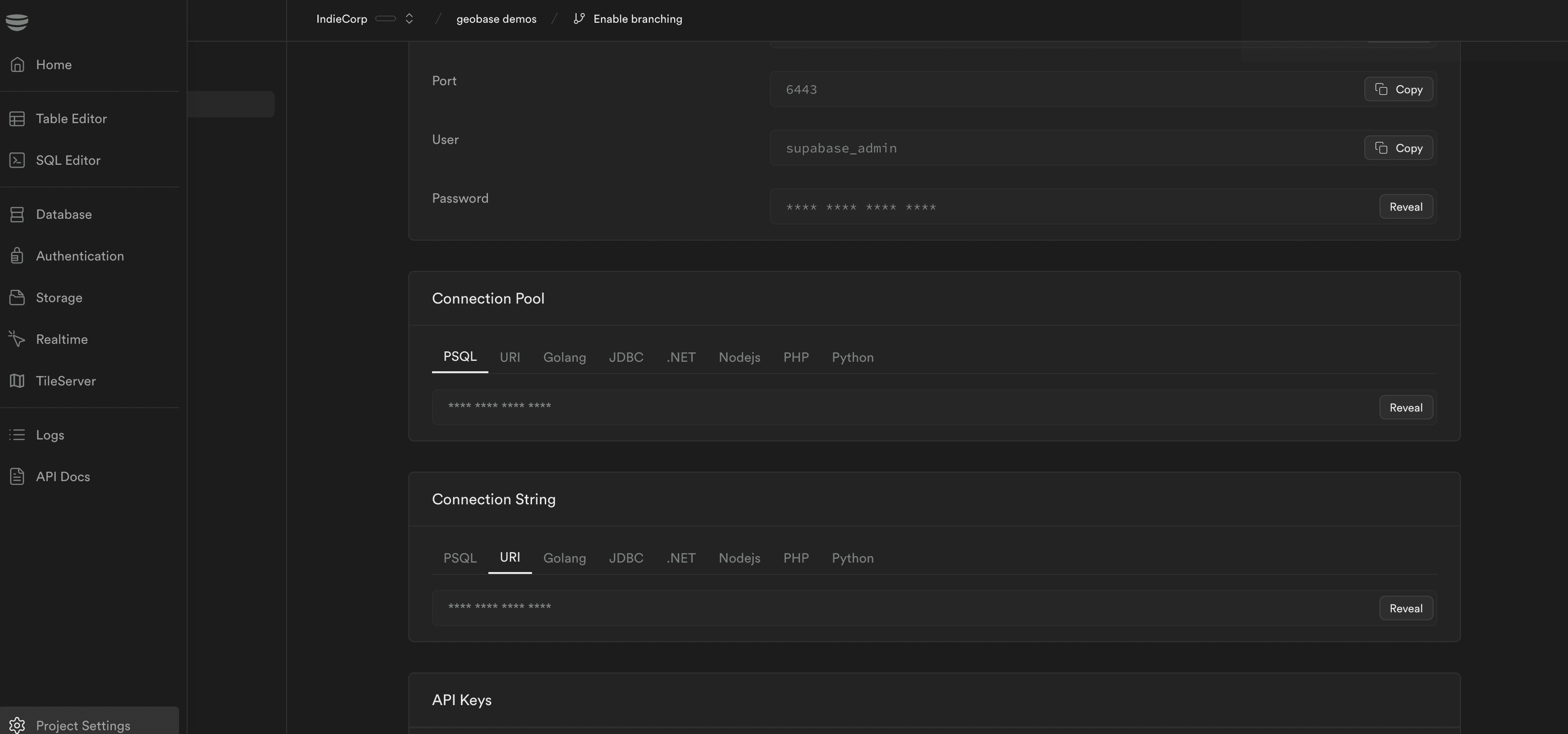
Writing Data to Database
Write the GeoDataFrame to the geobase database:
countries.to_postgis("countries_test", con, if_exists="replace")Reading Data from Database
Read geospatial data from the database:
sql = """
SELECT * FROM parks
"""

df = geopandas.read_postgis(sql, con, geom_col="location")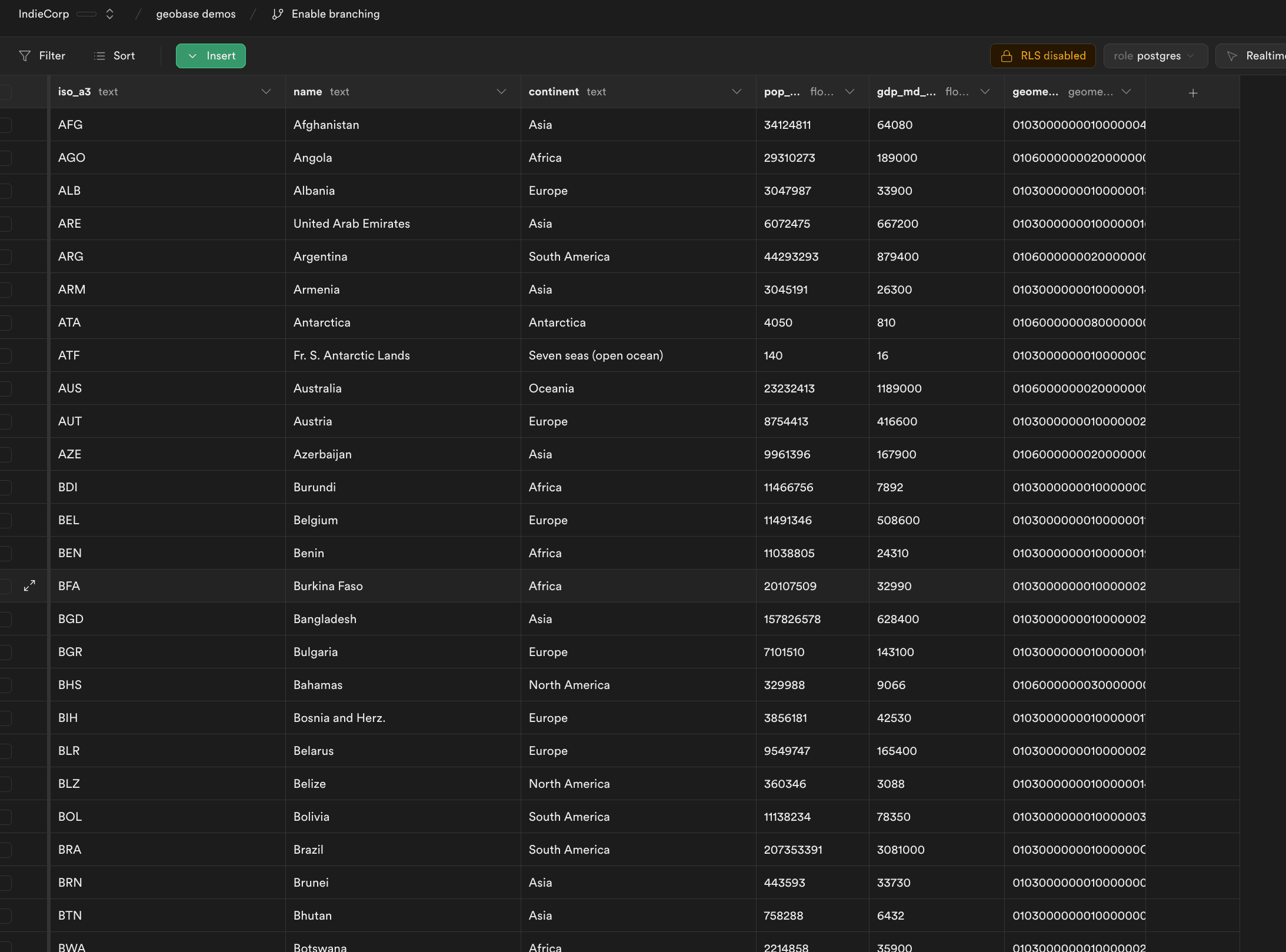
Last updated on